



































012.434
Additions
- Added filters to the "your levels" tab in the level viewer.
- Added a new item: Grapple Gun. Similar to the Grappling Hook, except you don't swing or have control of the rope. Wherever it attaches, that's where you go. You can shoot this in all 8 cardinal directions. It fires twice as fast as the grappling hook is thrown. Still working on the physics of it a bit, and I need to create a new appearance, but I like it so far.
- Added a new page: The Library. The goal of this page is to detail everything the game has to offer. I have a form of this in the Tutorial Level, but having everything written down in an easily digestible page will help with search engines and people generally being able to understand everything in the game without running through a level.
Improvements
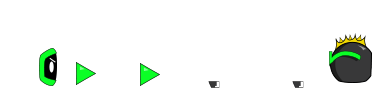
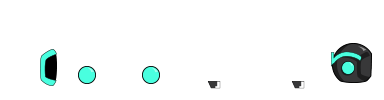
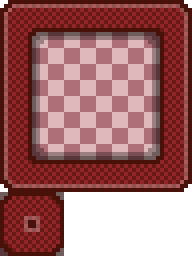
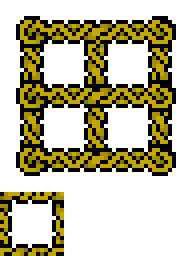
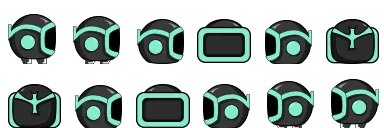
- Updated the appearance of the Key Block.
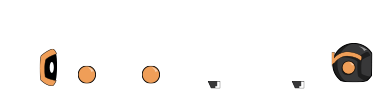
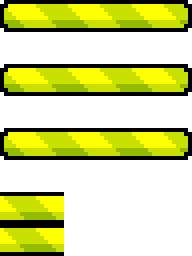
- Updated the appearance of the Grappling Hook.
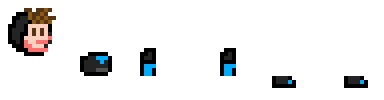
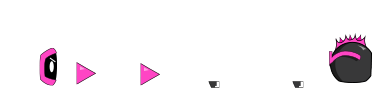
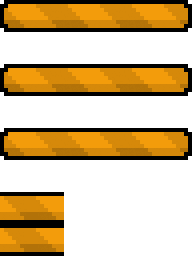
- Updated the appearance of the Grappling Gun.
- Added a function to the Grappling Hook swinging that catches you when you meet / exceed the outer point of the radius when catching. It used to put you on the Grappling Hook radius immediately on attaching which felt funky to me. Now, if you're traveling up and the hook has caught already, you won't catch the radius of the swing until you hit it again. (If this makes sense).
- Added in a function to cancel Ground Pounds when you throw the Grappling Hook or shoot the Grappling Gun, and when they attach and pull.
- Moved chunk creation to be on demand instead of front-loaded, removing the initial load time of levels.
Bug Fixes
- Fixed wall jumping from the right side of a wall, as well as wall climbing from the right side of a wall (you would slide down really fast).
- Changed enemy health input field to a number, and if the value is not a number it defaults to 10, which prevents XSS.
- Removed deleted levels from the "your levels" tab in the level viewer (that was unintentional).
- Fixed grappling hook trajectory when flying (it will now properly go up, up-left, and up-right, depending on whether you're pressing forward or not.
- Fixed grappling hook movement bugs, but still more to be done on this front. It doesn't feel great to use, I need to look at the Worms Ninja Rope and take notes on that. I might create a different type of grappling hook that just pulls you to the contact point. That might be a better version of a grappling hook. The circular motion is too rigid and unpredictable.
- Fixed the concept of a player being sent to Narnia. Narnia now kills the player. It doesn't directly solve anything, but it'll prevent errors and mass requests hitting the server. Also, I'll know what happened, which will be good for bug finding.
- Fixed a bug that would cause mass amounts of deaths / requests when you die to the bottom of the level.
- Further cleaned up grappling code and feel. I think I'll create a second version of the grappling hook which is more like Zelda OOT where it just pulls you and you can aim it in all 8 cardinal directions. That might be a fun one to use and try. This swinging one is more like spider-man, and needs the right kind of terrain to be useable. Something that just pulls you might be more versatile. Simple is better sometimes.
- Fixed a bug where the Grappling Hook would generate particles.
- Fixed a bug where you could initiate a Ground Pound while grappling.
- Fixed a bug where you could initiate an Air Float while grappling.
- Fixed a bug where you would flip forever if you grappled after doing a Flip Jump or a Triple Jump.
- Fixed a bug the game would still update when tabbed out (there's no reason this should happen) and parts would drift away from the character and rotate.
- Grappling Hook / Gun sprites are now correctly rotated in the direction they were shot.
- Fixed the rendering of new platforms that are added as you run through the Endless Level.
- Fixed a bug where the game would be laggy for a few seconds after un-pausing.
- Fixed a bug where the rope from the Grappling Gun or Grappling Hook would draw out to 0,0 on shooting for a second.
- Fixed a bug with Endless Mode where you couldn't skip or complete a level and move onto the next one.
- Fixed a bug where you couldn't jump out of a 1 block high area of water on top of a platform, you were soft-locked.
- Fixed bugs where the dash pack / tele gun would not work... at all.